PMP vs Primavera P6: Which Project Management Course to Take?
Published 9 March 2026 · 6 min read · project management · PMP · Primavera

One is a certification, the other is a tool
PMP is a globally recognised certification that validates your project management process knowledge. Primavera P6 is scheduling software used on construction and infrastructure projects. People usually need both, but in a different order.
Primavera P6 for engineers and planners
If you work in construction, infrastructure or EPC, P6 is what you will be asked about in the first interview. Our Primavera P6 course in Tenkasi covers scheduling, baselining and resource levelling on live project data.
PMP for career progression
Once you can schedule a project, PMP teaches you to run it: stakeholder handling, risk, communication and agile delivery. Our project management course prepares you for the exam style rather than just the syllabus.
A note on MS Project
MS Project still appears widely in smaller firms and internal teams. If you already know scheduling basics, our MS Project course is a quick addition rather than a full qualification.
Courses mentioned in this article
More from Synergy Blog
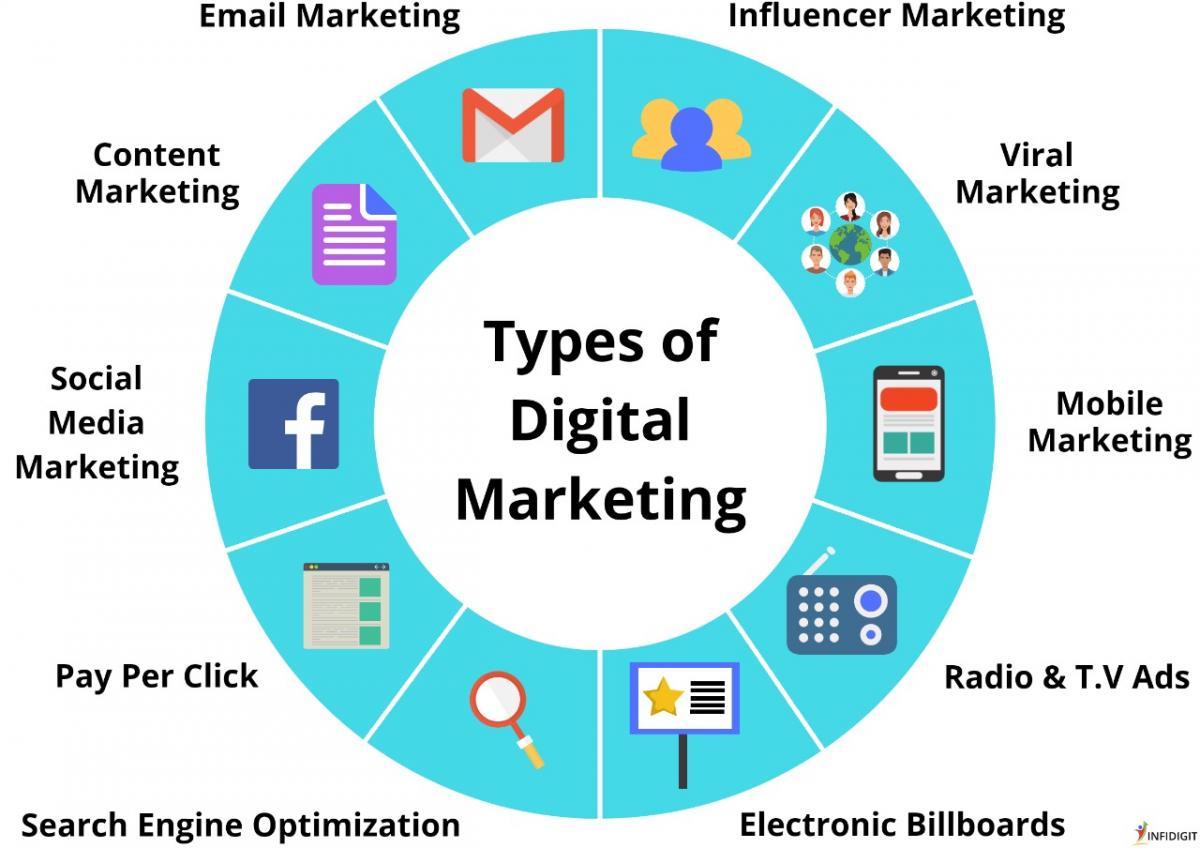
Digital Marketing Skills That Get You Hired in 2026
Platforms change every few years, but employers hire for the ability to think about an audience, measure a result and e...
Tally vs Excel: Which Accounting Skill Gets You Hired?
Excel is an analysis and reporting tool. Tally is an accounting system of record. Most working accountants need both, b...