AutoCAD vs SolidWorks: Which One Should You Learn First?
Published 19 January 2026 · 5 min read · AutoCAD · SolidWorks · CAD
The short answer
Learn AutoCAD if you draw plans, layouts or shop drawings. Learn SolidWorks if you design physical parts and assemblies. They are not competing skills, and in many job descriptions you are expected to know both.
AutoCAD: the universal drafting language
AutoCAD is two-dimensional by origin and remains the format almost every contractor, consultant and site engineer can open. If your work involves floor plans, elevations, sections, electrical layouts or site plans, AutoCAD is non-negotiable.
- Fastest way to become job-ready for drafting roles
- Accepts and produces the DWG file standard used across the industry
- Essential for civil site plans and architectural documentation
SolidWorks: where 3D parametric thinking matters
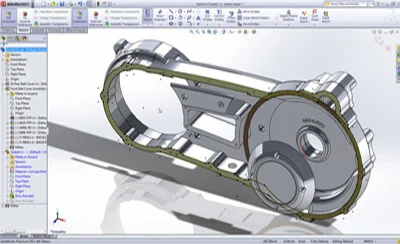
SolidWorks is built around features. You sketch a profile, the software drives the rest, and a change early in the model updates everything downstream. That is why mechanical and manufacturing roles treat it as a core requirement.
- Best fit for mechanical design, product design and manufacturing roles
- Simulation and sheet-metal modules built in for real engineering checks
- Strong overlap with job listings for CAD engineers and product designers
A sensible learning order
Most learners at our Tenkasi centre start with AutoCAD because it is faster to grasp, then move to SolidWorks for 3D depth. If your goal is purely mechanical, go straight to SolidWorks and add AutoCAD later for documentation work.
Courses mentioned in this article
More from CADD Centre Blog

What a Revit BIM Course Actually Covers (And Why It Matters)
Building Information Modelling is often sold as a Revit course, but Revit is only the tool. BIM is a shared-information...

Why Choose CAD Training in Tenkasi for Your Engineering Career?
CAD is not just about learning where to click. A good CAD course trains you to read a drawing, think in dimensions, and...